
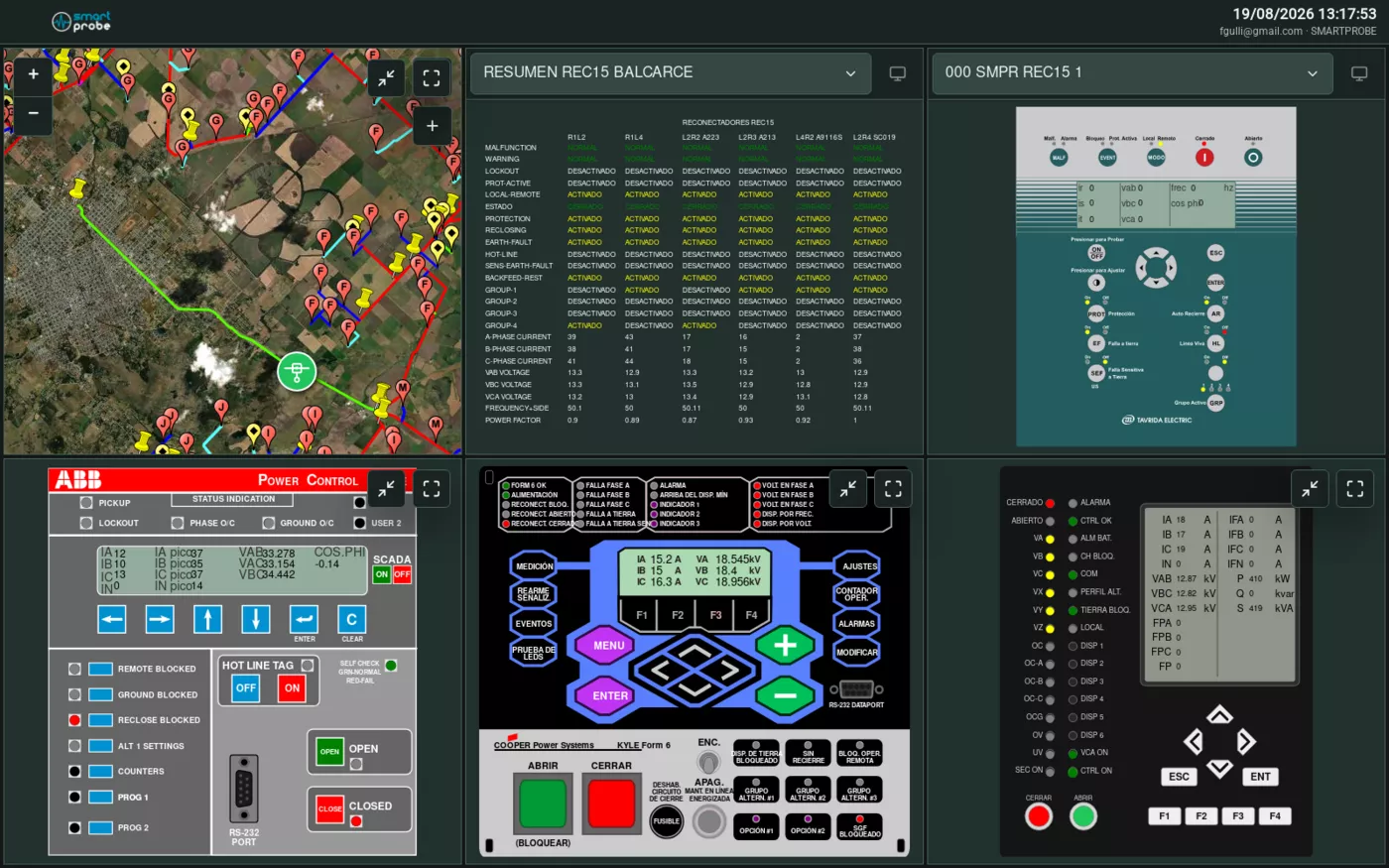
 A multi-panel grid: a map, a device summary screen, and individual device screens, all visible at the same time.
Predefined layouts
If your plan includes grids, the side menu has a Grid option with these formats (the names are always shown as-is, untranslated):
1x1, 1x2, 1x3, 2x1, 2x2, 2x2 div (the left column spans both rows), 2x3.
Each cell in the grid works as an independent panel, with its own device, view and date range — see Device screens.
Saving your own combination
Set up the grid the way you need it and go to Menu → Layouts → "+ Save current layout". Give it a name (for example, “Night shift”) and confirm. You’ll be able to select it again whenever you want, and delete it from the same list — you’ll be asked to confirm before it’s removed.
Maximizing a cell
Each panel can be maximized within the grid, and from there maximized to fill the whole screen. The Restore button takes you back to the previous view.